24 Christmas scenes
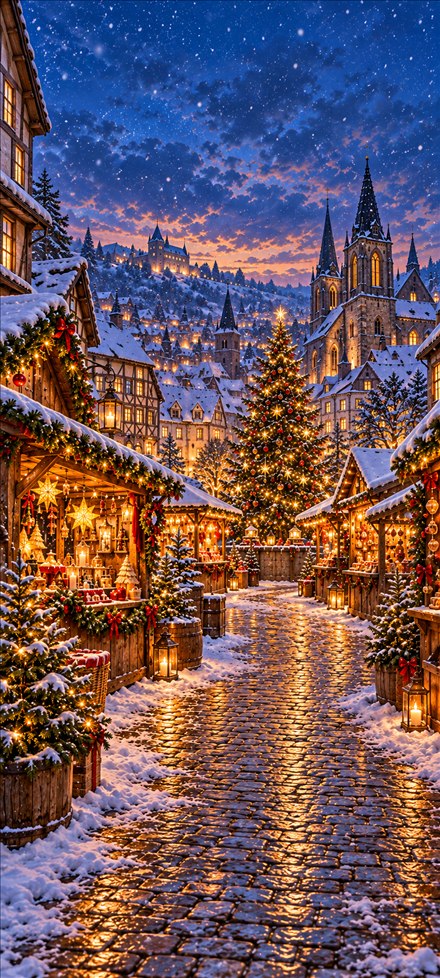
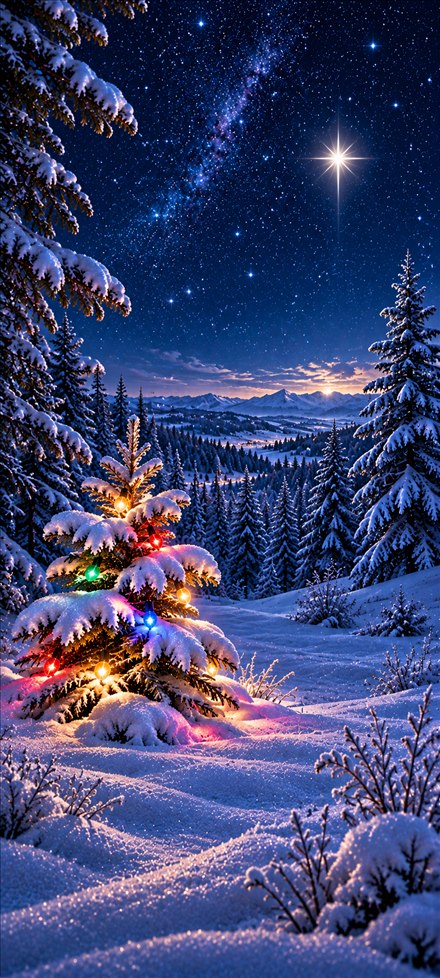
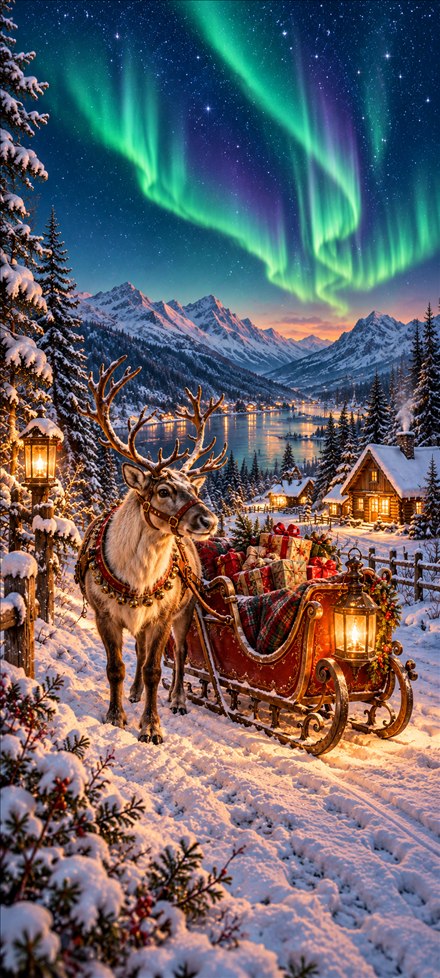
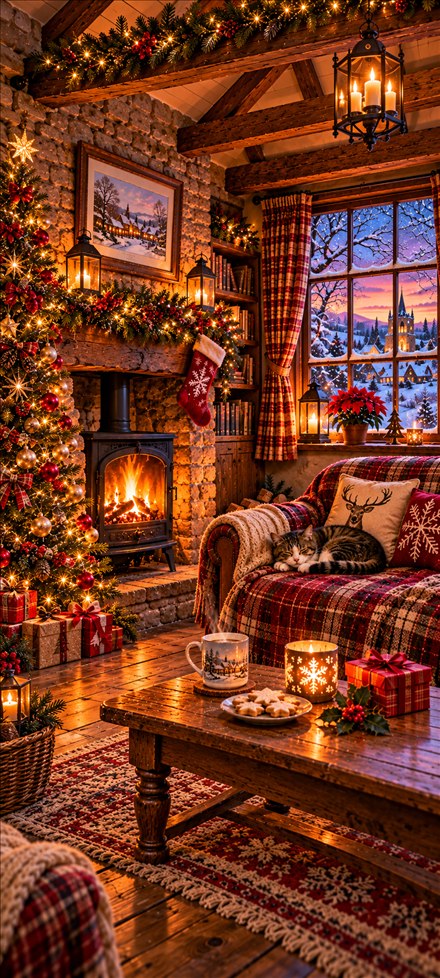
Snowy villages, cosy cottages, woodland wildlife, Santa, candlelit churches and more. Every scene is drawn in tall phone proportions, with continuous artwork right to the edges.
CHRISTMAS ENCHANTMENT · ANDROID
Bring a festive scene to your home screen with 24 wallpapers drawn for tall phones.
Google Play release in preparation · Planned as a one-time purchase
YOUR HOME SCREEN, YOUR WAY
Snowy villages, cosy cottages, woodland wildlife, Santa, candlelit churches and more. Every scene is drawn in tall phone proportions, with continuous artwork right to the edges.
Apply one picture and keep it, or rotate randomly every 15 minutes, 30 minutes, 1, 3, 6, 12 or 24 hours. Immediate repeats are avoided.
Advent mode follows your phone’s local date, with a different picture for each day from 1–24 December. Outside December it previews day 1; from 24–31 December it keeps day 24.
All images are included with the app. No account, ads, subscriptions or in-app purchases. Change your home-screen wallpaper in Android settings and automatic Christmas changes stop.
GOOD TO KNOW
The current version sets the home-screen wallpaper only.
Google Play needs a connection for purchase, download and updates. Once installed, the included wallpapers, random rotation and Advent mode work offline.
Android may delay background changes while the phone sleeps or saves battery. Advent mode checks the date periodically and when you open the app; it does not promise an exact midnight switch.
Use Stop automatic wallpaper changes inside the app, apply one fixed picture, or choose a different home-screen wallpaper in Android settings.
The artwork is drawn for tall 9:20 screens. Other screen shapes and launcher zoom can trim the edges; subjects are composed with phone use in mind.
APP SUPPORT
Email us with your phone model, Android version, app version and a short description of what happened. Please do not include passwords or payment details.
Email app support ↗